I won’t insult you by explaining once again what JSON Web Tokens (JWTs) are, and how to attack them. A plethora of awesome articles exists on the Web, describing attacks such as none algorithm, algorithm confusion, JWK header injection, and friends … No, I would like to tell you about something a little bit different, akin to a jku header injection, turning what was looking like an SSRF into an application compromise.
Once upon a time, there was a C# single-page application using JWTs for both authentication and authorisation, being managed by the service Auth0. To make things more flexible, the address of the validator was not hardcoded, but dynamically retrieved with something like this:
1 | var jwt = new JwtSecurityTokenHandler().ReadToken(token); |
For those who get pimples while reading C#, this code can be summarised as follows: the URL of the issuer (and thus the verifier) is extracted from the token, and used to build the URL to the OIDC configuration. From there, public keys are fetched, in order to use them for token verification. In other words, it is like having a token claiming “Hey app, go ask this server to verify that I am valid !”. I should have been able to sign a token with my private key, and instruct the vulnerable app to fetch my public key to verify. But of course, there was a catch …
First try: from arbitrary SSRF to auth bypass
By taking a look at a genuine token, I saw what the kid was supposed to be (let’s say that "kid": "wow-I-am-the-keyid"). I then created a fake configuration like this, based on the genuine one, and hosted it on my server (notice the jwks_uri)
openid-configuration
1 | { |
jwks.json
1 | { |
I then edited the genuine token and replaced the iss by my server’s URL, resent a request, and … nothing worked, I only got timeouts. With trial and error, I finally realised that there probably was an allowlisting, preventing the app from contacting arbitrary remote hosts. Only subdomains of Auth0 seem to be allowed, and therefore, I knew what I had to do next: create my own instance !
Creating my own Auth0 instance
The idea was simple: creating my own Auth0 instance, and use it to forge tokens that would be accepted by the vulnerable app. Adjusting claims and users, and it should be fine. Although my first idea was to export my private keys and sign arbitrary tokens, I did not find how to do so.
Step 1: Creating a dummy app
First thing was to create a dummy application, so that an authentication endpoint would be configured.
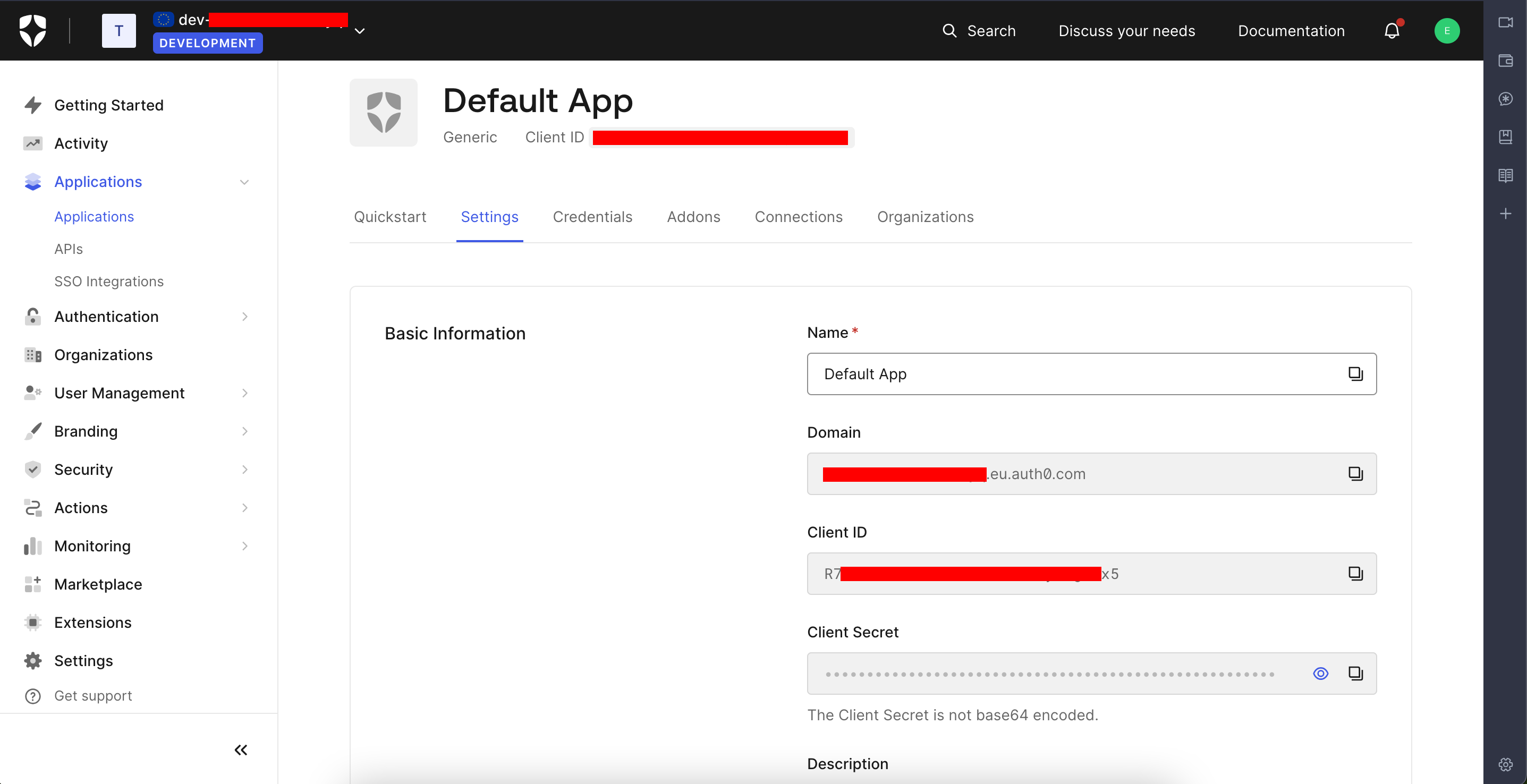
From the Auth0 dashboard, I modified the Default application by setting some URLs:
- callback: http://localhost:3000/callback
- allowed logout: http://localhost:3000
- allowed web origins: http://localhost:3000
This localhost:3000 comes from the fact that my dummy app would run on localhost:3000, more on this later.
Step 2: Create a copycat user
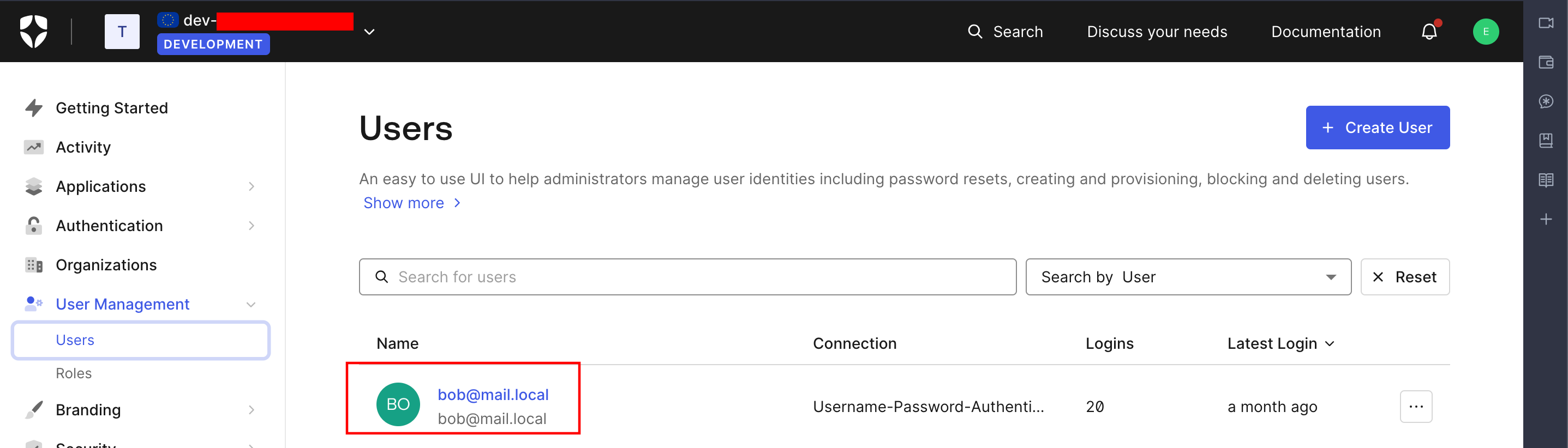
Since my goal was to connect as bob@mail.local on the victim application, I needed to create a fake user with the same username, able to connect on my fake app. It would therefore give me a token for this dummy user, that the victim app would also accept (note that having the same username is not always necessary, but it populates the claims consistently).
Step 3: Adding custom claims
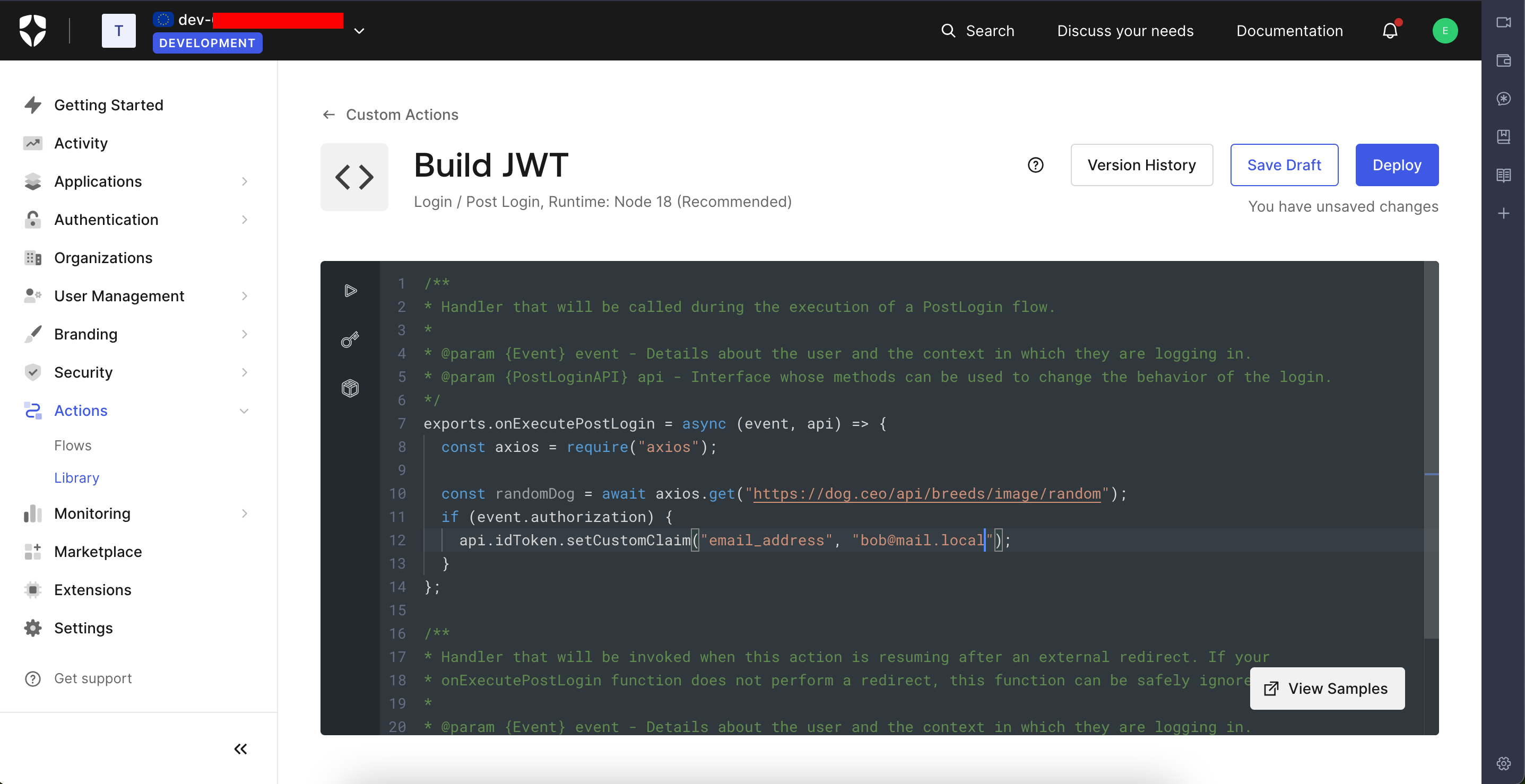
The last challenge was to add custom claims that the victim app was expecting. The article Adding Custom Claims to ID Tokens with Auth0 Actions describes how to do so, taking as an example the application assign-random-dog, that is meant to run on localhost:3000.
Since the application expected a claim email_address, I configured an Action to do so, adding this claim after user authentication (only for Bob here, because it’s the one I was interested in).
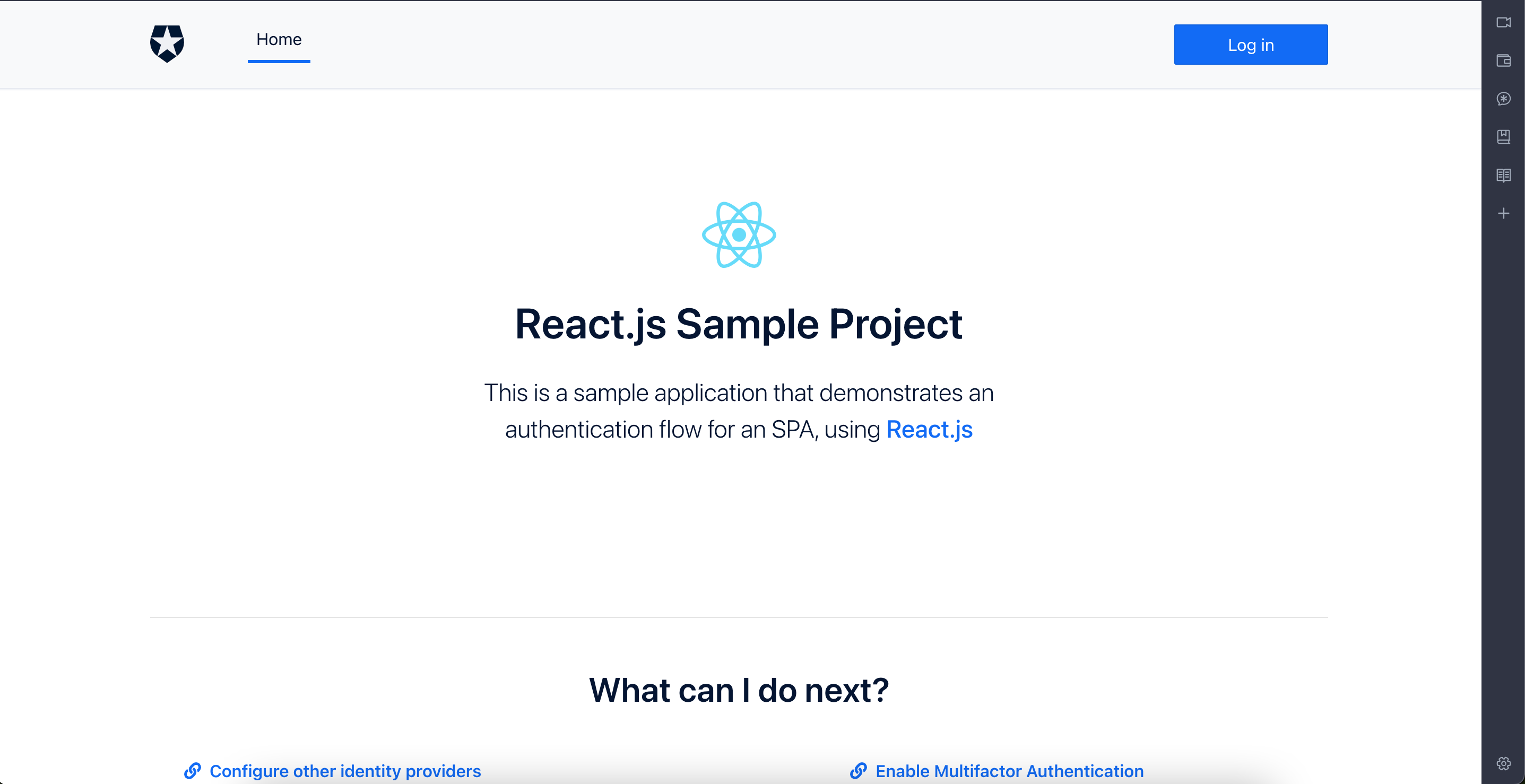
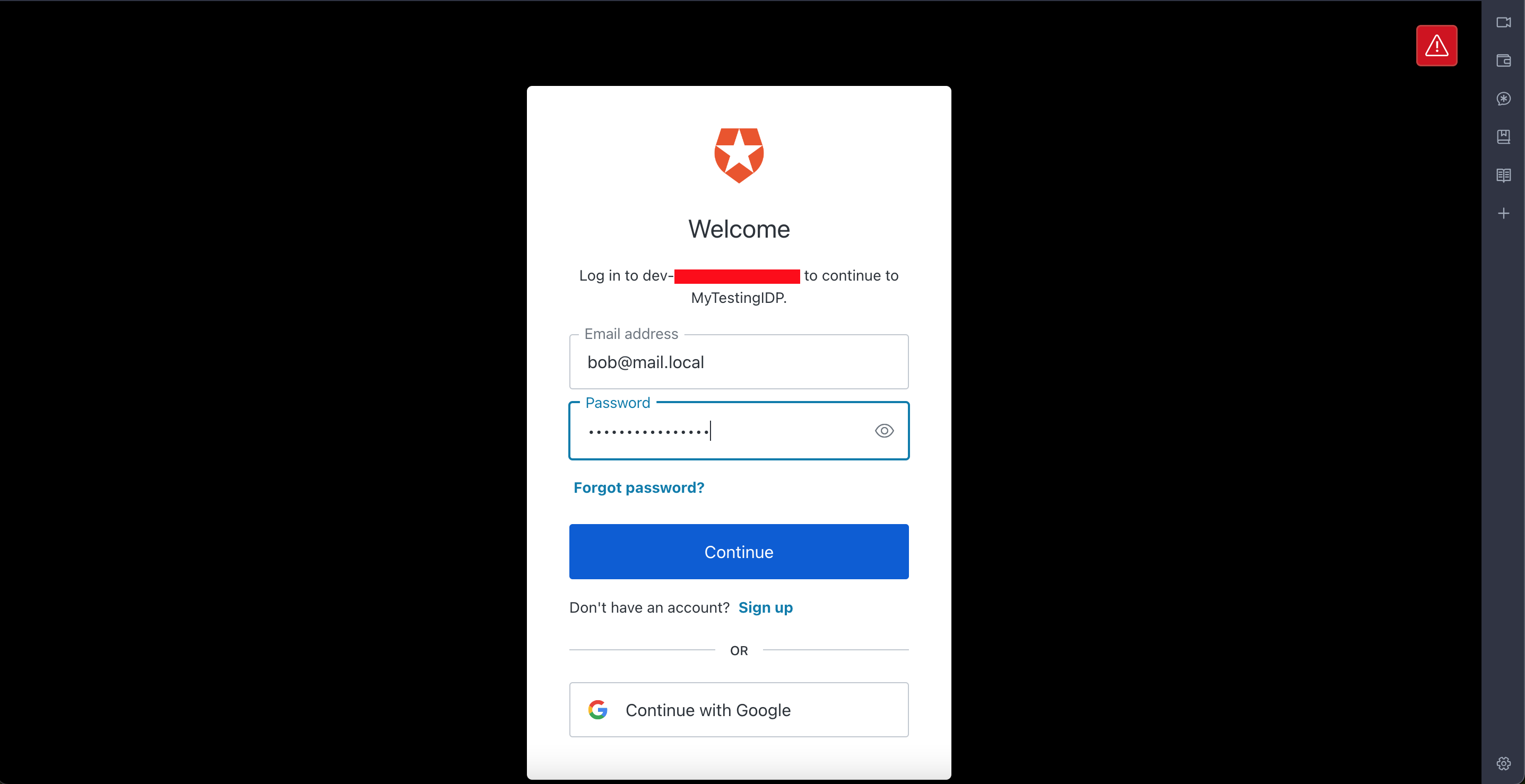
Finally, by deploying the Action and running npm start in the assign-random-dog directory on my laptop, it opened the dummy app. Clicking on Log in redirects to Auth0, asking for the credentials, and I therefore entered Bob’s ones.
A successful authentication would redirect to the dummy app, and by visiting the Profile page while taking a look at the requests being sent, one can see that a token is obtained:
1 | { |
Once decoded, the body contains:
1 | { |
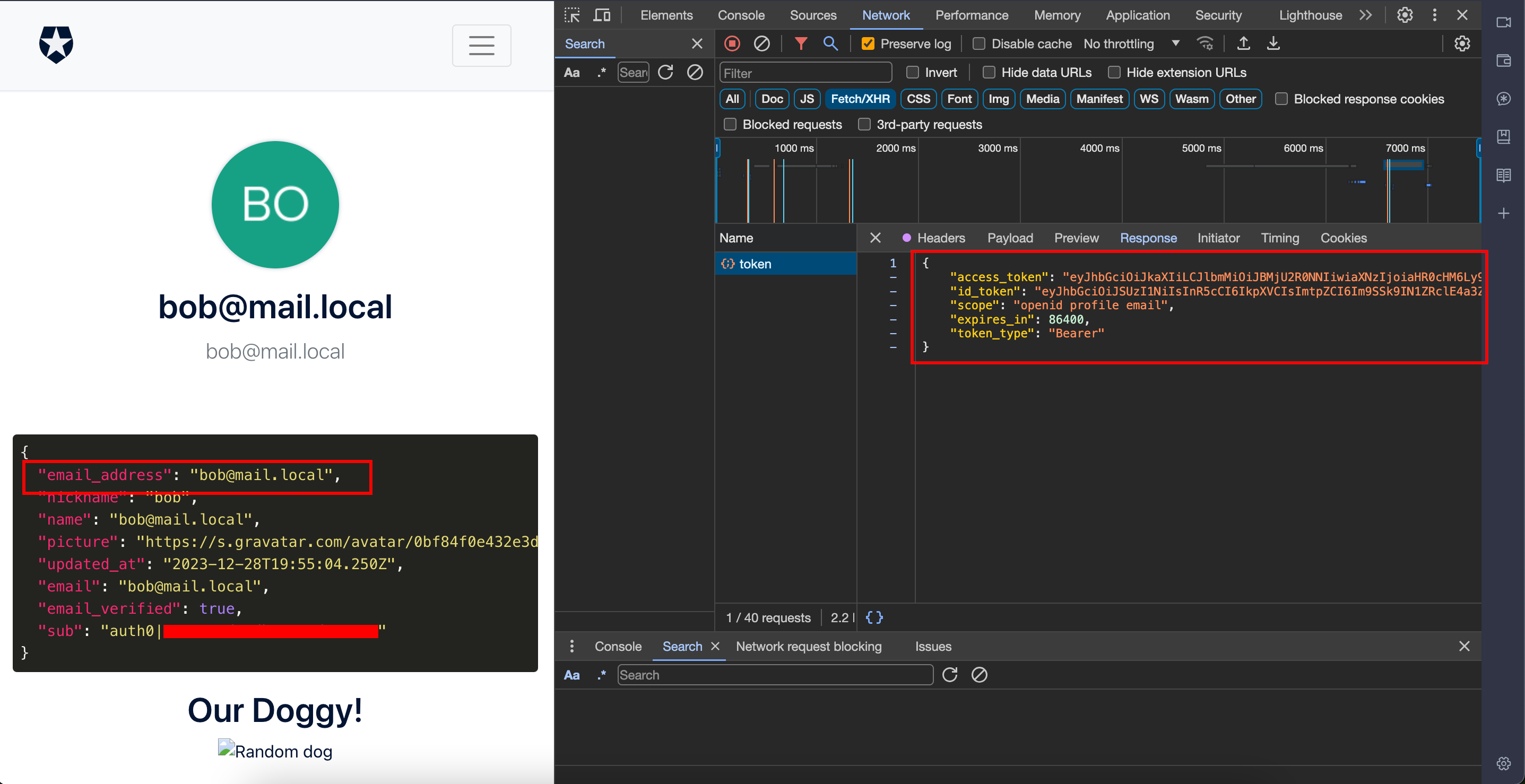
This token could be used on the victim app as well, since the latter would happily validate it with my public key, and since the user bob@mail.local was recognised !
Bottomline
- Verify and then trust
- As a security researcher, it is worth trying to modify claims containing URLs to see if an SSRF exists
- It is not because cryptomagic happens that everything is secure